Steve Wright's VFXIO.com - Insdustrial Strength Training for Visual Effects Compositing Artists!

Wednesday, 19 November 2008

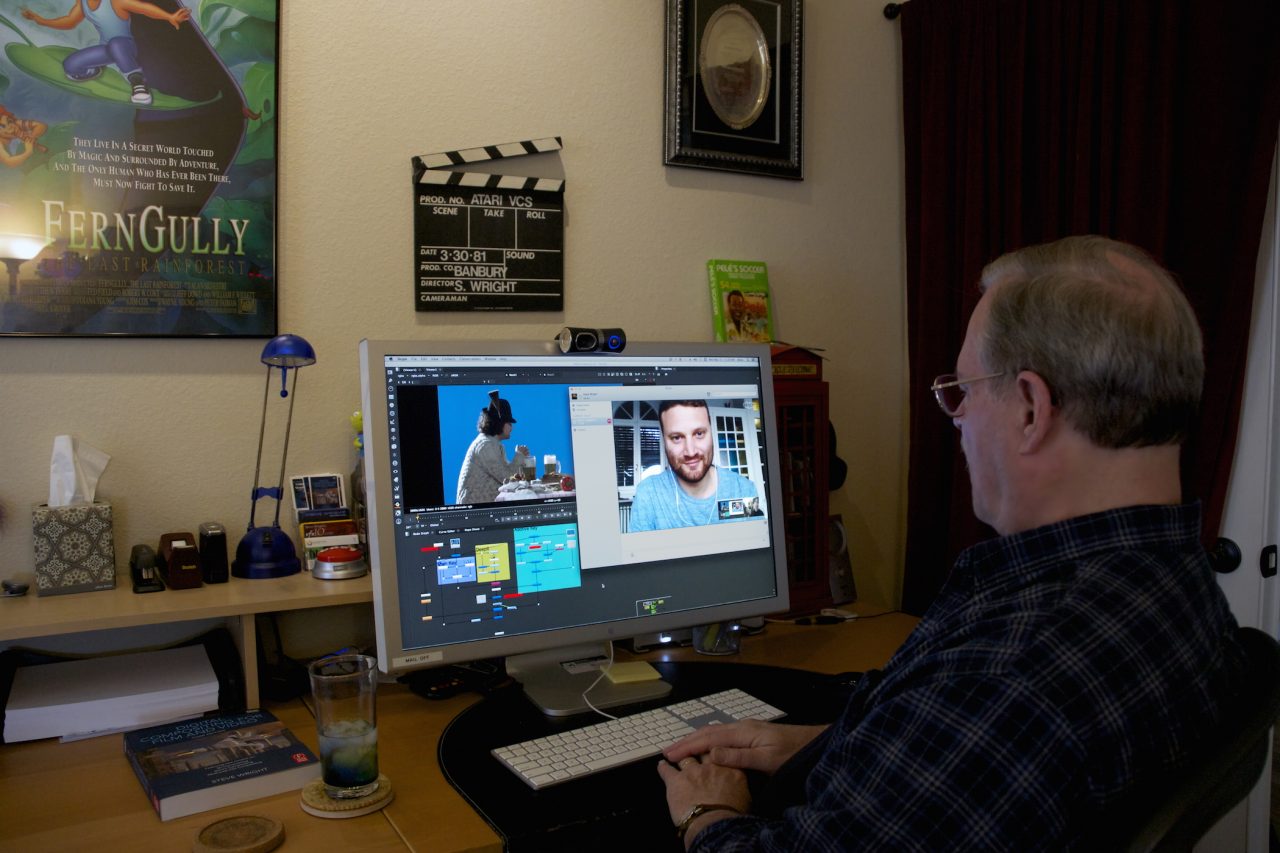
Steve Wright, Master Trainer, 20 year visual effects veteran Steve Wright's VFXIO.com's mission statement

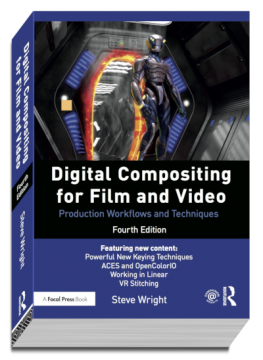
Master Trainer, Steve Wright, delivers visual effects compositing, Shake and Nuke training for aspiring artists in the VFX industry around the world. With curricula developed by this senior visual effects artist with over 20 years of production experience and excellent teaching skills, these programs are designed to be very accessible and cost effective for you. Steve not only teaches individuals in classroom settings and online, but he also travels to VFX facilities around the world to train the staff in compositing techniques from his popular book on the subject, "Digital Compositing for Film and Video" as well as to improve the facility's 2D/3D production pipeline.

Learn Apple's Shake 4.1 at your own pace with 20 year veteran Steve Wright as your instructor on Lynda.com. Steve has prepared 13.25 hours of Shake 4.1 training to get you up to speed on node based compositing. If you want a serious VFX job in this industry, you must understand node based compositing!

These workshops offer personal training one-on-one as part of the workshop. Steve will review each of your project assignments with you personally to offer suggestions, tips, techniques, and answer any questions you have. Live, over the internet!

Steve travels to VFX facilities around the world to provide staff training on the subject of VFX compositing plus consulting on the 2D/3D pipeline. Improve the productivity of your compositing department and increase their artistic and technical proficiency with a site visit by Steve. Invest in your staff today!

Periodically Steve conducts training classes and workshops in various locations in the US and around the world. Some are week-long workshops and others are 2 or 3-day weekend classes with project media you can add to your demo reel. Come learn from a pro and increase your job potential!

To get a job an any VFX studio you have to show them your demo reel with a breakdown of your work. These programs provide project media with a finished shot video so you can build the shot yourself and put it on your demo reel. Included are tips on how to present your demo reel and shot breakdowns.

Steve has authored two best selling books on the subject of compositing visual effects in addition to his other training products. Be sure to check out the 80 FREE production exercises that work with "Digital Compositing for Film and Video" which you can access from our store just by creating a log in account!


Read our current newsletter! Read our current newsletter!


Subscribe to our monthly newsletter!Subscribe to Steve's monthly newsletter - it's free!


Nuke Training Now Available!

Steve is pleased to announce that he has added Nuke compositing training to his training services. Nuke is the world class VFX compositing program developed at Digital Domain over many years of heavy CGI production experience on major feature films. The Foundry,  famous for its large library of high quality VFX compositing plug-ins, now provides Nuke sales and support. Nuke is a leader in the CGI compositing workflow offering many unique features that streamline the CGI production pipeline.

The Newest Nuke The Foundry has just released Nuke 5.1v2, the latest version of Steve’s favorite new digital compositing program. Nuke’s claim to fame is that it was born and bred in the fiery furnace of production by the digital wizards at Digital Domain, a world leader in visual effects. The Foundry now provides sales and support for this world-class compositing program. Along with this latest release they have also announced the PLE, or Personal Learning Edition, which is a fully-featured free trial version. Now everybody will need Nuke training.

Blur & Curve Matte AdjustmentClick on the icon to view a very informative video about fine tuning the size of your matte that is better than the usual dilate and erode.

The dilate and erode operation's commonly used to expand or contract mattes have the problem that they typically can only move in one pixel increments. This often results in the matte being too big or too small. This production tip shows you how to use a combination of a gentle blur and a contrast adjustment to make your mattes just right.